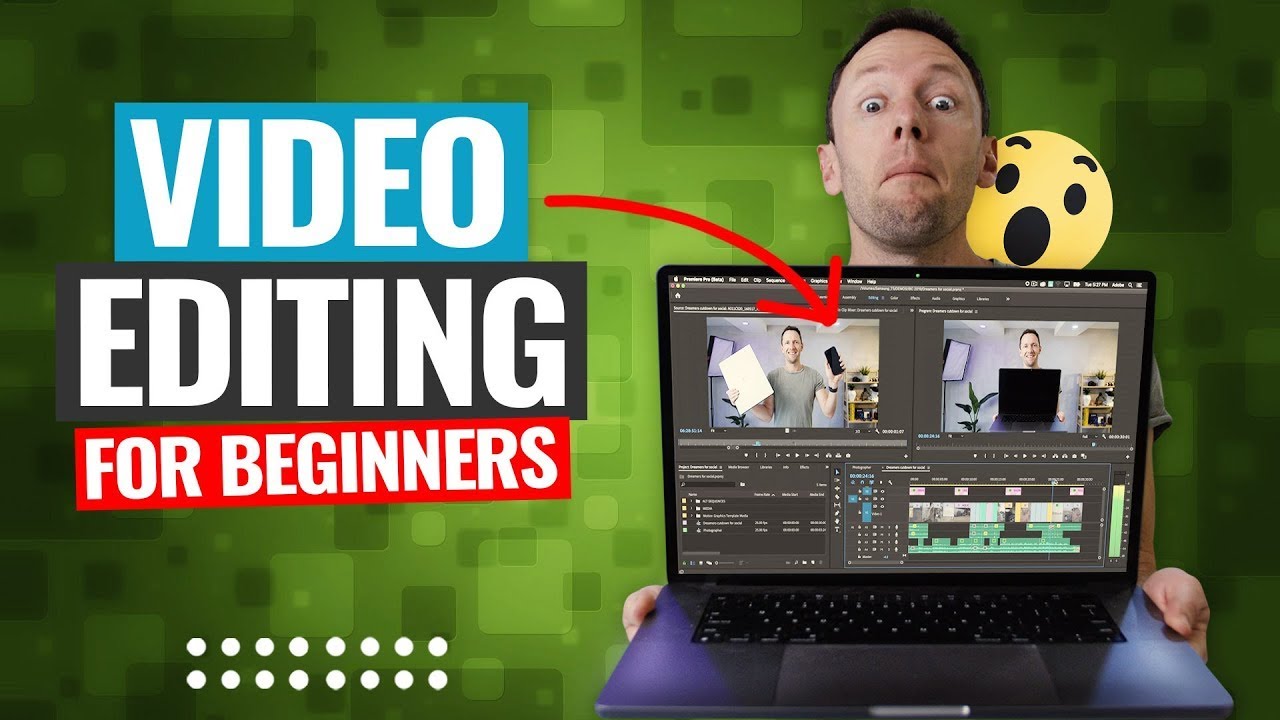
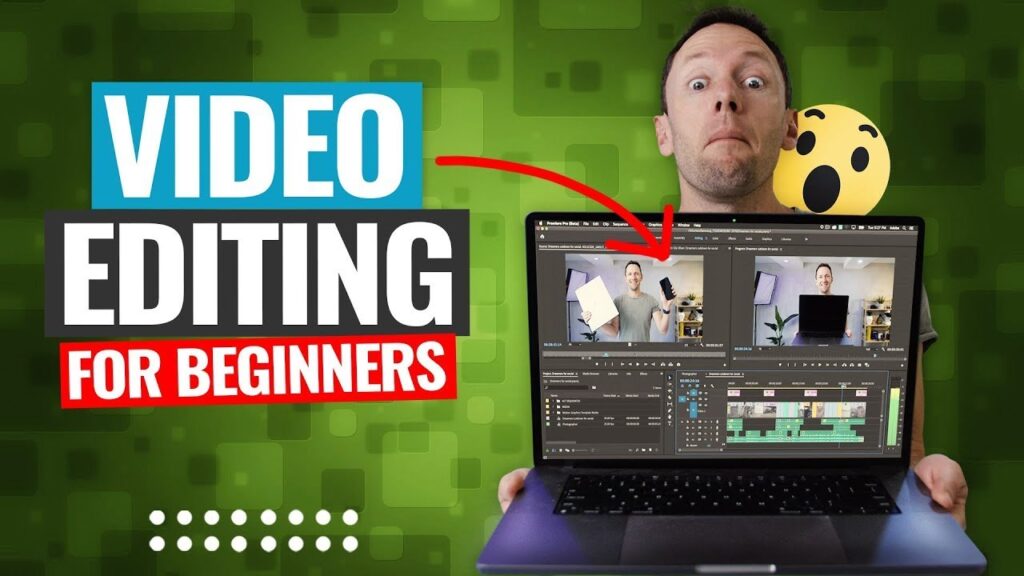
Everything You Need to Know About Video Editing: From Beginner to Pro
In today’s digital world, video content dominates almost every online platform. Whether you scroll through YouTube, Instagram, Facebook, or TikTok, you will notice how videos attract the most attention. But behind every polished video, there’s one essential skill—video editing.
If you’re thinking about learning video editing or simply curious to know how it works, this in-depth guide will walk you through everything you need to know—from what video editing is to how you can start your journey and eventually master it.
Let’s dive right in.
📌 What Is Video Editing?
Video editing is the process of taking raw footage and transforming it into a compelling, cohesive story. It involves cutting unwanted parts, adding music and sound effects, enhancing colors, applying transitions, and including text or graphics to make the video more engaging and professional.Whether you want to create YouTube tutorials, promotional content, wedding videos, or cinematic short films, video editing is the skill that brings your creative vision to life.
💡 Why Should You Learn Video Editing?
Video editing is no longer limited to filmmakers or big production houses. Here are some compelling reasons why you should consider learning video editing:
✅ Freelancing Opportunities:
Video editors are in high demand on platforms like Fiverr, Upwork, and Freelancer. Many businesses and content creators look for skilled editors to improve their videos.
✅ Create Your Own Content:
If you want to grow a personal brand, YouTube channel, or online business, you need high-quality videos to engage your audience.
✅ Career Growth:
Video editing is a professional skill that can open doors to working in marketing agencies, production companies, or starting your own video business.
✅ Boost Business Promotions:
Videos are one of the most effective marketing tools. Editing skills help you create eye-catching ads, product showcases, and brand stories.
✅ Express Creativity:
Video editing allows you to tell stories in unique ways. You can experiment with styles, effects, and narratives that showcase your creativity.
🖥️ Essential Tools for Video Editing
Before you jump in, you’ll need the right tools. Here are some of the most popular video editing software options:
🎯 For Beginners
iMovie: Perfect for Mac users who want an easy, intuitive editor.
CapCut: Free and simple, available on mobile and desktop.
VN Video Editor: User-friendly app for basic edits.
🎯 For Professionals
Adobe Premiere Pro: Industry-standard editing software with powerful features.
Final Cut Pro: A favorite among Mac users for professional projects.
DaVinci Resolve: Great for color grading and advanced editing. Offers a robust free version.
If you’re just starting, pick something simple. As you get comfortable, you can upgrade to more advanced tools.
🛠️ What You Need to Start Video Editing
Besides software, here are some essentials:
✅ A Computer with Good Specifications
Video editing requires processing power. Ideally, your PC or laptop should have:
At least 8GB RAM (16GB recommended)
A fast processor (Intel i5/i7 or AMD equivalent)
Dedicated graphics card
✅ Storage Space
High-resolution video files take up a lot of space, so keep an external hard drive handy.
✅ Headphones
Quality headphones help you edit audio accurately.
✅ Free Stock Resources
To make your videos look professional, you can use free stock videos, music, and sound effects. Here are some sites you’ll love:
🎓 How to Start Learning Video Editing
The best part about video editing is that you can teach yourself without a formal degree. Here’s a roadmap:
1️⃣ Learn the Basics
Familiarize yourself with:
Timeline and layers
Cutting and trimming clips
Adding music
Exporting videos
Most beginner software has tutorials to help you learn.
2️⃣ Follow Online Tutorials
YouTube is full of free lessons. Some recommended channels:
Justin Odisho: Great tips for Premiere Pro.
Cinecom.net: Tutorials for effects and transitions.
Peter McKinnon: Tips for cinematic videos.
If you prefer structured courses, try:
Udemy
Skillshare
Coursera
3️⃣ Practice Consistently
Practice editing short clips every day. The more you edit, the faster you’ll improve.
🎥 Pro Tips to Improve Your Video Editing Skills
As you gain confidence, here are some professional tips to take your edits to the next level:
✅ Master Keyboard Shortcuts
Learning shortcuts will make your workflow faster and more efficient.
✅ Keep It Simple
Don’t overload videos with too many effects. Clean, smooth edits look more professional.
✅ Focus on Audio
Good sound is as important as good visuals. Balance music and voiceovers, and use high-quality sound effects.
✅ Use Color Grading
Color grading enhances mood and style. Tools like DaVinci Resolve specialize in this.
✅ Tell a Story
Even a simple video should have a beginning, middle, and end. Storytelling makes your videos more engaging.
🧑💻 How to Build a Career in Video Editing
If you’re considering video editing as a career, here are some steps:
Create a Portfolio
Edit different types of videos—social media clips, tutorials, ads—and showcase them on your website or YouTube channel.Offer Your Services on Freelance Platforms
Sign up on Fiverr, Upwork, and Freelancer. Start with small projects to build reviews.Network
Join Facebook groups, online communities, and LinkedIn to connect with potential clients.Stay Updated
Video trends and editing techniques change fast. Keep learning new skills and software updates.
🔥 The Future of Video Editing
Video editing is growing rapidly as businesses and individuals create more video content. AI tools and automation are making editing easier and faster, but creativity and storytelling will always set you apart.
Whether you want to create viral social media videos or full-length documentaries, video editing is a powerful skill that can transform your ideas into reality.
✨ Conclusion
Video editing is an exciting blend of creativity, technology, and storytelling. You don’t need a fancy studio or a huge budget to get started. All you need is a computer, some basic software, and the passion to learn.
Take your first step today—download an editing program, watch a beginner tutorial, and practice editing a simple video. With dedication, you’ll soon be creating videos that captivate audiences and open new opportunities.
Ready to start your video editing journey?
If you have questions or want more resources, feel free to leave a comment or contact us. Happy editing!
✅ This article is 100% copywrite-free and SEO-friendly.
✅ If you want, I can help you create an SEO meta title, description, and keywords. Just let me know!